Games your chat can playYour chat.Plays too.
Your viewers scan the QR on your stream and play along from their phones: answer in Quiz Show, pick the balls in Bingo Night, cheer in everything else. Up to 2,000 at once.
Built for alive audience.
Two games give the chat a real role. Every other game gets the Cheer meter.
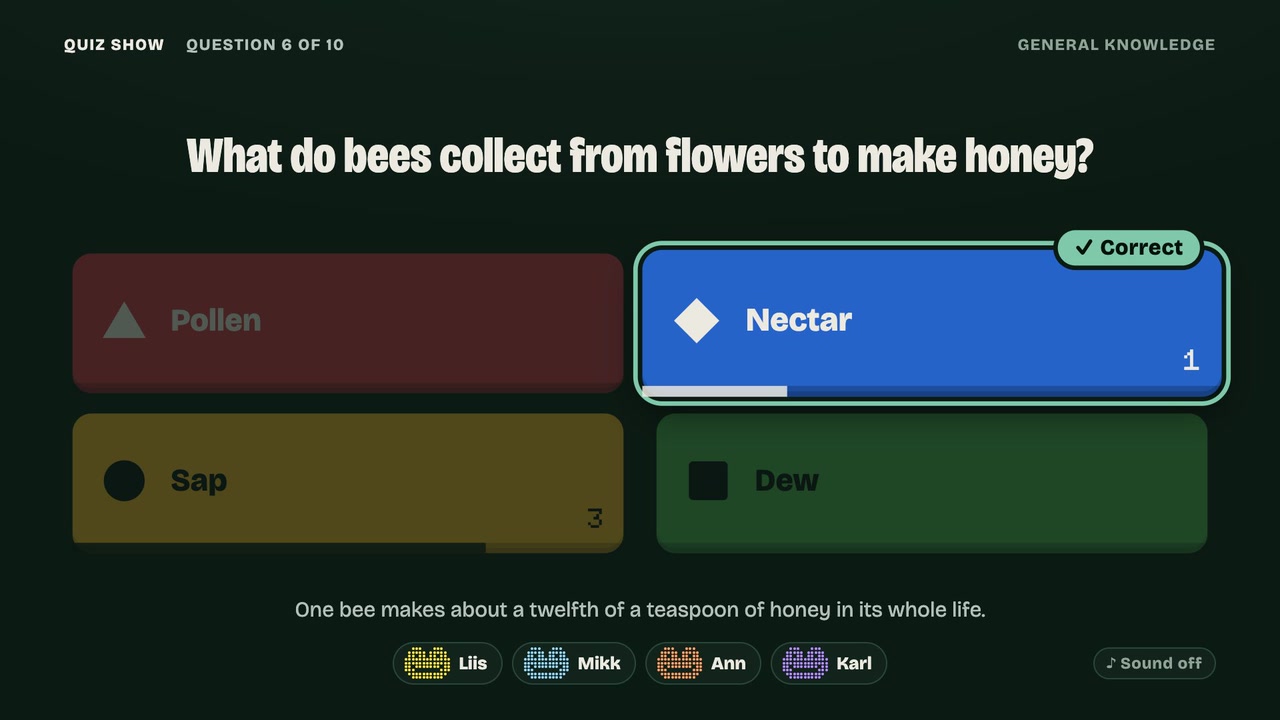
Streamer vs Chat
The chat answers every question as one team and sits on the leaderboard. Once a game, it votes whether to double the next question.
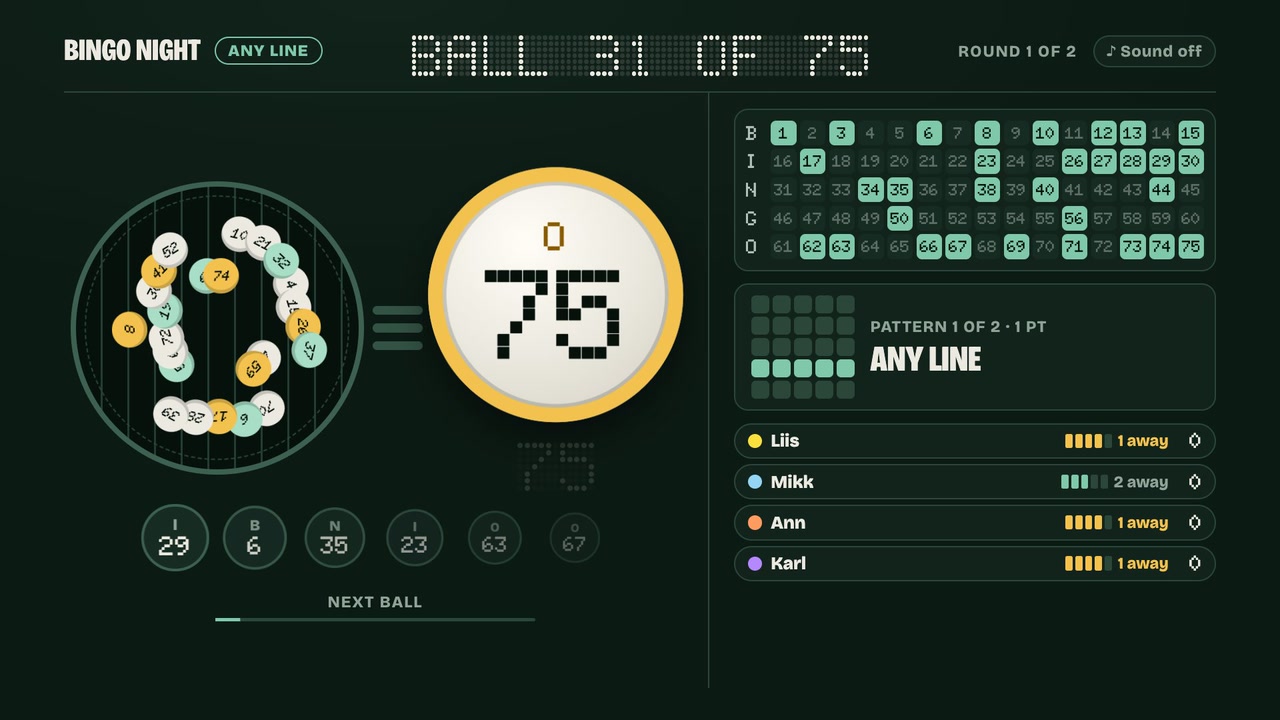
The chat calls the ball
Your viewers pick which ball comes out next. You and your friends race to fill the pattern.
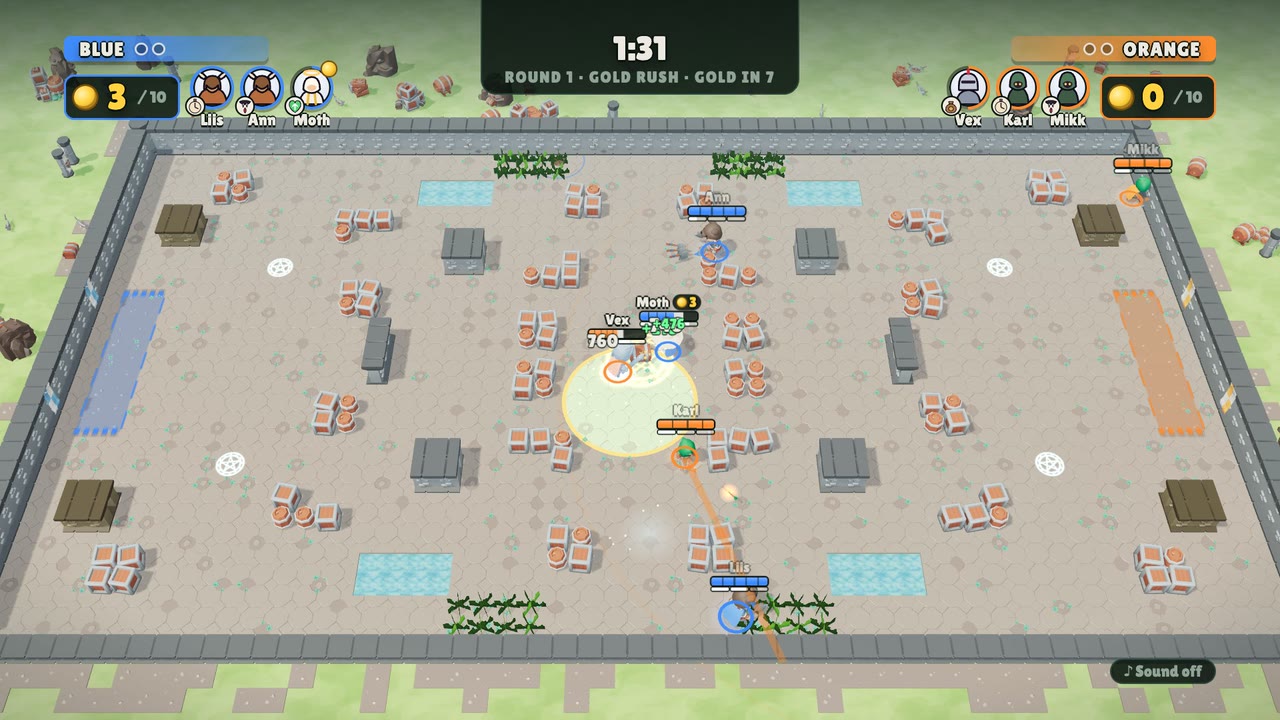
Cheer
One big button on every viewer's phone. The more of them tap, the fuller the meter on your stream, then confetti.
Fairby design.
Nobody votes on what they haven’t seen.
Synced to your delay
Every vote opens when the moment reaches your stream, and stays open at least that long.
One phone, one vote
Taps are counted per phone, two a second at most. A few phones can't swing it.
No text from chat
Viewers only tap. Nothing your chat types ever reaches your stream.
Your seats stay yours
Seats lock when you go live. The QR on stream only lets people into the audience.
Going live
Open the room on your PC
Capture the browser in OBS as a window or browser source. Join with your phone: you get the remote.
Turn on Streamer mode
On your phone: ☰ → Room settings → Streamer mode, or press S on the TV.
Match your delay
2, 6 or 10 seconds: ultra-low latency, Twitch or YouTube low-latency (6, the default), or normal.
Cap it if you like
50, 200, 1,000, or as many as fit (2,000). Past the cap: “The audience is full”.
A friend arriving late? Room settings → Invite a player shows a seat QR on your phone. Never put that one on stream.
The overlay keeps to one corner and the games to the 16:9 safe area, so there's room for your facecam.