Remote party gamesTwo homes.One game.
Everyone plays from their own phone, in the same game, at the same time. Grandma's living room against yours.
Two waysto play apart.
Two TVs if both homes have one. A video call if they don’t. Same games either way.
Two TVs.
Each home shows the room on its own TV, with its own QR. Phones scan the TV in front of them. The second home signs in once, free.
One video call.
Run the game in its own browser window and share that tab on the call you’re already on. Everyone watches the call and plays on their phone. Nothing to sign in to.
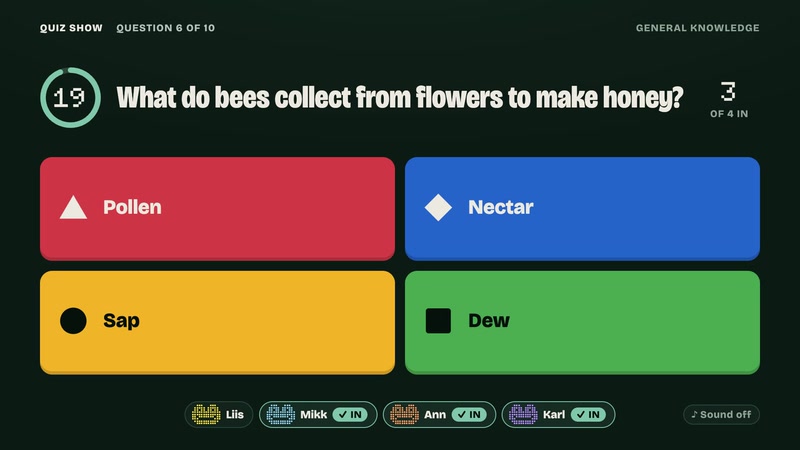
- Best with Quiz Show, Bingo Night, Most Likely
- Quiz Show: set Reading time to Long
- Check your call’s participant limit
Two TVs,three steps.
About a minute, once. Then it’s the same room, the same game and the same leaderboard in both homes.
Create a room at your place
On your TV: Start, then Create a brand new room. Text them the four letters under your QR.
Your friend opens it on theirs
On their TV: Start, then Join your friend’s remote lobby, type the code, sign in once (free).
Everyone scans their own TV
Phones at each home scan the QR in front of them. One room, one game, one leaderboard.
Before game night
Does every game work across homes?
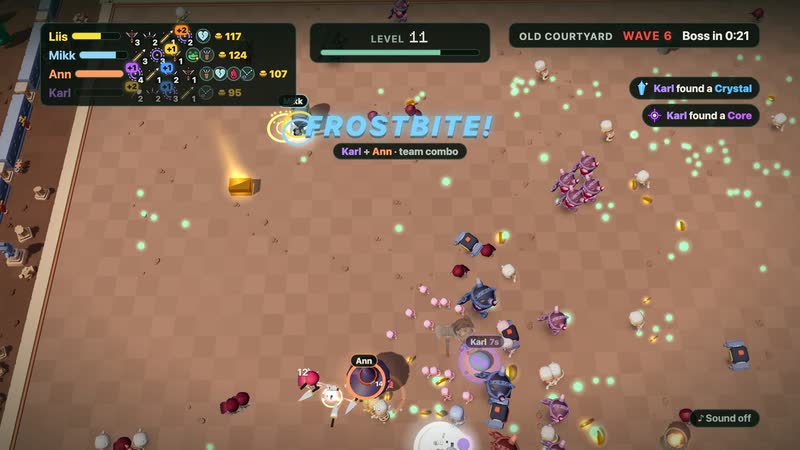
Yes. Every game draws itself on the second TV. Real-time games like Swarm and Arena play a moment behind there, so they stay smooth.
Do we need an app or a console?
No. A TV with a browser (or a laptop on the TV) in each home, and one phone per player.
How do we talk to each other?
Keep your usual call running for the chatter. CouchFrogs only carries the game.
Can more homes join?
Yes, up to 8 TVs. Each one joins with the same code and gets its own QR for the people in front of it.
Anything to do first?
Connect the other TV before you lock seats or go live: a locked room only lets back the screens and phones it already knows.